
One project, two ways to make it
Neurobossa is a hybrid electronic jazz album: bossa nova reworked through digital processing and analog synths, with a visual aesthetic that borrows as much from 1960s graphic design as from contemporary minimalism. The brief: a strong image, readable as a streaming thumbnail, that says jazz at a glance without leaning on worn-out genre codes. Result expected in under a week. This AI album cover case study is one of the real projects documented in the creative AI pages, to show what an AI-assisted workflow actually changes, and what it leaves alone.
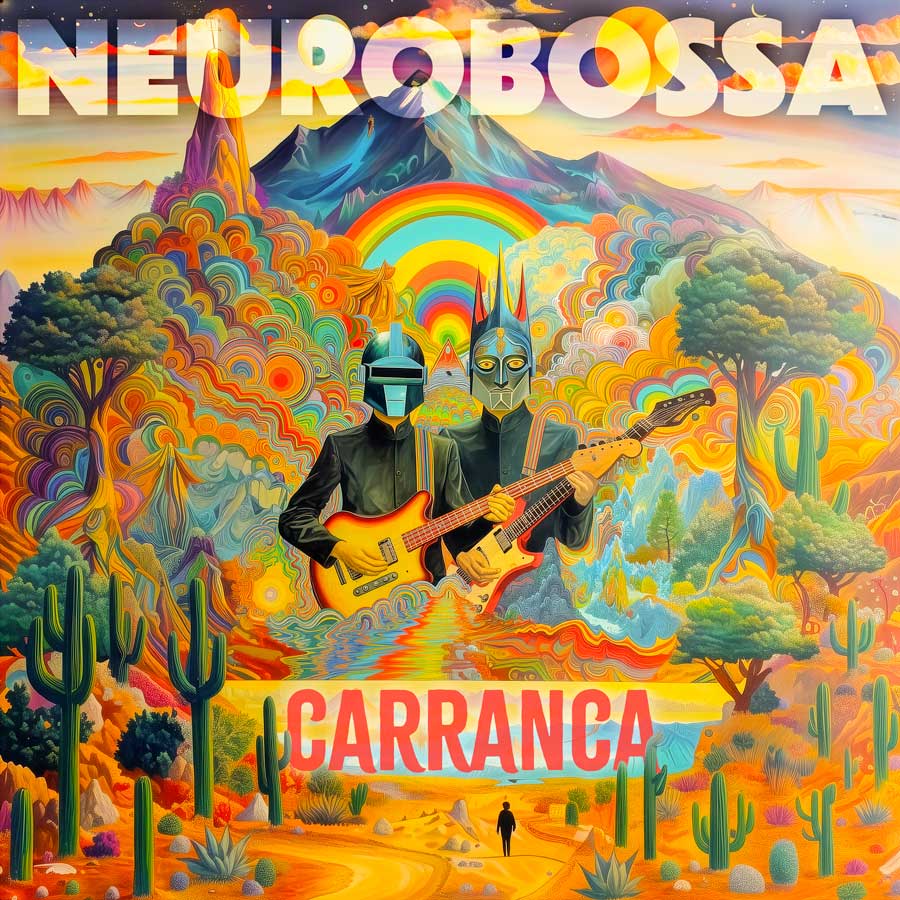
The brief: what gets decided first
Before touching any tool, a visual brief was drawn up from conversations with the artist. It holds what can't be handed to AI, and everything that follows depends on it:
- Stylistic direction: engraving, black and white, maximum contrast
- Final format: 3000×3000 px square for streaming, 12" vinyl format as a bonus
- Type constraints: condensed, bold, sans serif
- Acceptable image complexity: one central figure, no crowded composition
In a well-run AI workflow, this preparation takes longer than anything else. That's not because it's hard (it's just as hard in a traditional workflow). It's because it decides how fast the later iterations close in on something right.
The prompting session, step by step
- 0 h 00 Opening prompt (exploratory). Broad wording to test the general direction. The goal is to see whether the model understands the reference world.
- 0 h 20 Selection and refinement. Out of 16 initial variations, 3 kept. Style parameters added, aspect ratio changed, texture constraints introduced.
- 0 h 50 Targeted variations (--vary). 8 variations on the chosen direction, with small changes to composition and grain.
- 1 h 30 Final pick and upscale. Final image selected, high-resolution upscale, raw export to Photoshop.
- 1 h 45 Photoshop retouching. Levels, contrast boost, fixing artifacts at the edges, square crop.
- 2 h 30 Typography. Artist name and title. Condensed font, legibility over a busy background, smartphone mockup test.
- 3 h 15 Streaming format check. Mockup tests for Spotify and Apple Music. Minor fixes to the visual weight of the title.
- 4 h 00 Delivery. JPEG 3000 × 3000 px, PNG with transparent background (social media version), PDF for vinyl.
The prompts that worked
The first exploratory prompt aimed at the stylistic direction without pinning down the composition too much. A starting prompt that is too precise about composition often gives stiff images, missing the improvised quality you want at the start.
The engraving direction held up. The prompt was then refined with tighter constraints on the grain and on the quality of the contrast.
The --chaos 10 parameter adds a little variability: enough to produce interesting alternatives without losing the direction already set. It's one of the most useful Midjourney parameters during exploration, and one of the least explained to beginners.
What the AI workflow didn't solve
Three points needed entirely manual work.
Typography. Text generated by Midjourney is wildly unreliable: wrong letters, warped words, no legibility. All the type was set in Photoshop, separately from the generated image.
Edge artifacts. Models regularly produce zones of visual strain along the edges of the image, where the composition falls apart because the model wasn't trained to think within a strict frame. Each time, manual retouching was needed.
The small-size test. No model can predict how an image will behave as a 60 × 60 pixel thumbnail in a streaming interface. That call (adjusting the contrast, simplifying a detail that doesn't read, shifting the title) stays human.
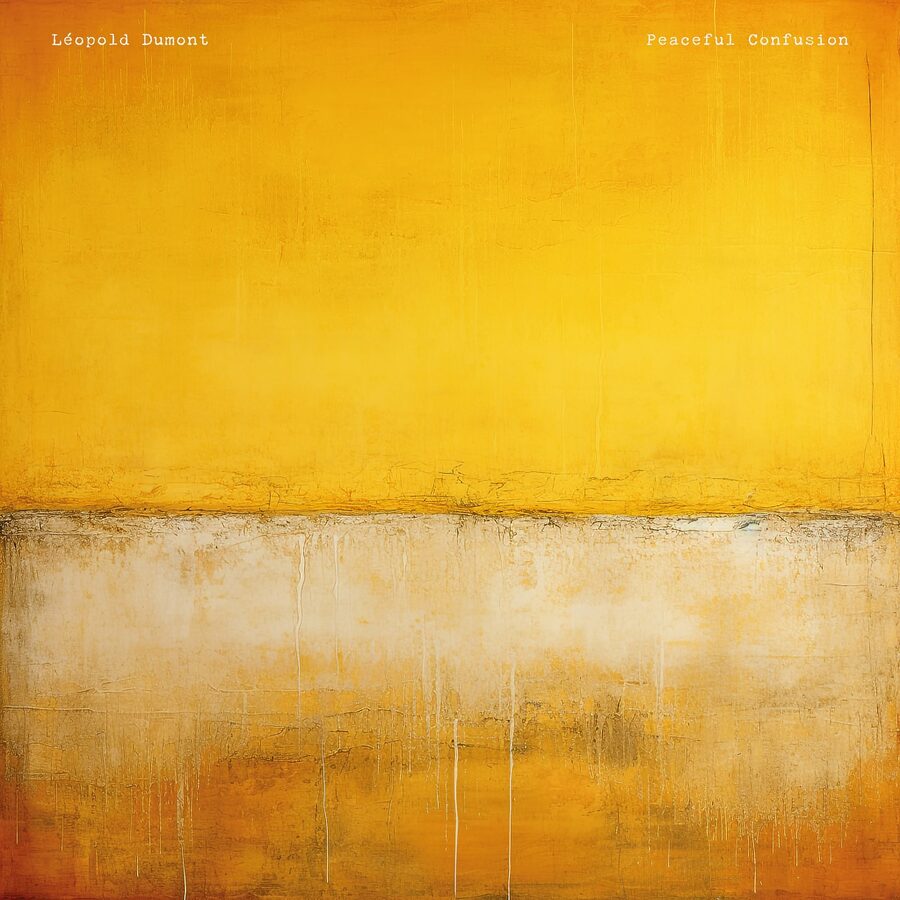
What this case shows
The AI workflow produced in four hours a result that would have taken two to three days by hand. That figure isn't a guess. It's an estimate based on comparable projects done both ways over the same period.
What it doesn't show is that AI is enough. Several steps called for decisions the model doesn't make: picking the stylistic direction beforehand, selecting from the volume of images, retouching, typography, testing on the final formats. An untrained eye, and even more so an eye without a culture of jazz visuals, would not have reached the same result with the same tools. The tool amplifies what you bring to it. It doesn't replace it.
The full method (how to structure a visual brief, how to build a prompt, advanced Midjourney parameters, targeted retouching) is laid out across the creative AI pages.